
Why dashboard-era embedded platforms start to feel limiting as customers expect more AI
What to look for when evaluating embedded analytics platforms with confidence
Compare seven embedded analytics tools on AI capability, embedding methods, and pricing
PUBLISHED:
UPDATED:
Embedded analytics started as a checkbox on your roadmap. Customers wanted to see their data without leaving your product, so you embedded a dashboard, connected it to the right sources, and called it done.
That bar has moved. Customers now expect tools that help them interact with their data, not just look at it. They want to ask questions in plain language, investigate why a metric changed, and set an agent to track changes so they don't have to check.
A dashboard shows them what happened. Modern embedded analytics has to explain why, suggest what to do, and increasingly, do part of it.
If your embedded analytics setup still stops at charts and dashboards, this guide covers what comes next.
How are modern embedded analytics tools different?
Older platforms answer the questions your data team modeled in advance. Anything else goes back to your team as a request. Modern embedded analytics tools are built for an interactive kind of experience. Here are the components that make it possible:
Natural-language exploration: Users can ask questions in plain English and follow up as the investigation develops.
AI-generated analysis: Dashboards, charts, and summaries can be created around the question being asked rather than designed months in advance.
Proactive agents: Agents can monitor important metrics, investigate meaningful changes, and surface findings without waiting for a user to open the product.
Structured and unstructured data: Analysis can draw data from structured tables alongside documents, support conversations, reviews, and other text-heavy sources.
Multi-tenant security: Applies tenant-level permissions directly to the underlying data, not just the embedded interface.
Product-native experiences: Analytics can inherit your product’s branding, permissions, workflows, and user context rather than feeling like a separate BI tool embedded in an iframe.
Embedding method: Flexibility in choosing the embedding method, from iframes for speed, SDKs for control, and APIs when analytics is core to the product.
The shift is bigger than bolting AI on top of a dashboard. Modern embedded analytics brings the full agentic analytics workflow into your product, so customers can go from question to answer to action in one place.
Comparing top embedded analytics tools: features, pricing, and fit
Choosing the right platform depends on your specific needs for customization, scalability, and user experience. Each of the leading embedded analytics solutions on the market has its own specializations and ideal use cases, so it’s worth getting familiar with the different options:
Best for | AI-powered features | Embedding methods | |
WisdomAI | Enterprises shipping AI-native analytics to customers in weeks. | Conversational BI, AI Dashboards, and Analytics Agents, all grounded in the Adaptive Context Engine. | iFrame, React SDK, and GraphQL API. |
Sisense | Enterprises embedding analytics into customer-facing applications at scale. | Conversational analytics and automated insights. | iFrame, SDK, REST APIs, and web components. |
Power BI Embedded | Microsoft-stack organizations extending reports and dashboards | Copilot for report generation and Q&A. | Capacity-based embedding, API. |
GoodData | Product teams that want analytics-as-code with strict tenant isolation. | AI assistant for NL queries. | iFrame, React SDK, REST APIs. |
ThoughtSpot Embedded | Teams who want search as the primary interface. | Spotter for natural-language querying. | SDK, REST API |
Sigma Computing | Products where users are more familiar with spreadsheets. | Ask Sigma layered on the spreadsheet paradigm. | iFrame, JavaScript API. |
Qlik Embedded | Organizations standardizing on an existing Qlik investment. | Conversational AI for automated insights. | iFrame, SDK. |
Let's look at each one, honest tradeoffs included.
WisdomAI: From dashboards to agents inside your product
Most embedded platforms stop at the first question. WisdomAI keeps going —helping you dig into why things happened, and what to do about it.
It's the only embedded platform in this list where Conversational BI and AI Dashboards ship together, with Analytics Agents in the same white-labeled backend. Customers get infinite drill-down and multi-step analysis instead of a fixed set of charts, plus agents that investigate what moved and act on it: creating tickets, triggering APIs, escalating incidents, and notifying the right owner.
Every answer is grounded in the Adaptive Context Engine, which learns how each customer defines their metrics and keeps that context current as the business changes.
Take Blend, a digital mortgage leader. By embedding WisdomAI directly into its Loan Officer toolkit, Blend cut time-to-insight from seven days to near-instant. Instead of waiting for a report, lenders can ask a question, get an answer, and act on it without ever leaving the product experience.
Key features
Conversational BI: Ask questions in plain language and get governed answers, with follow-ups handled in the same thread.
AI Dashboards: Generate dashboards and visualizations from a prompt, with infinite drill-down into any metric.
Analytics Agents: Monitors KPIs, investigates anomalies, and acts — pushing findings to Slack, triggering workflows, or alerting the right owner.
Adaptive Context Engine: Continuously learns and governs each tenant's metrics, definitions, and business logic so accuracy holds even when the underlying data evolves.
Flexible embedding: Start with an iFrame for faster deployment, use the React SDK for deeper customization, or build with the GraphQL API when analytics is core to the product experience.
Enterprise-ready deployment: Support single-tenant VPC, on-premises deployment, and bring-your-own-LLM configurations.
Pros
Ships in weeks rather than the 12 to 18 months an in-house build takes.
Security enforced at the query layer, not the dashboard, across every surface.
Full white-labeling experience with admin controls — no proxy hacks or CSS overrides.
Reasons across structured and unstructured sources with zero-ETL federation.
Cons
Custom pricing requires a sales conversation.
Sisense: Composable embedding
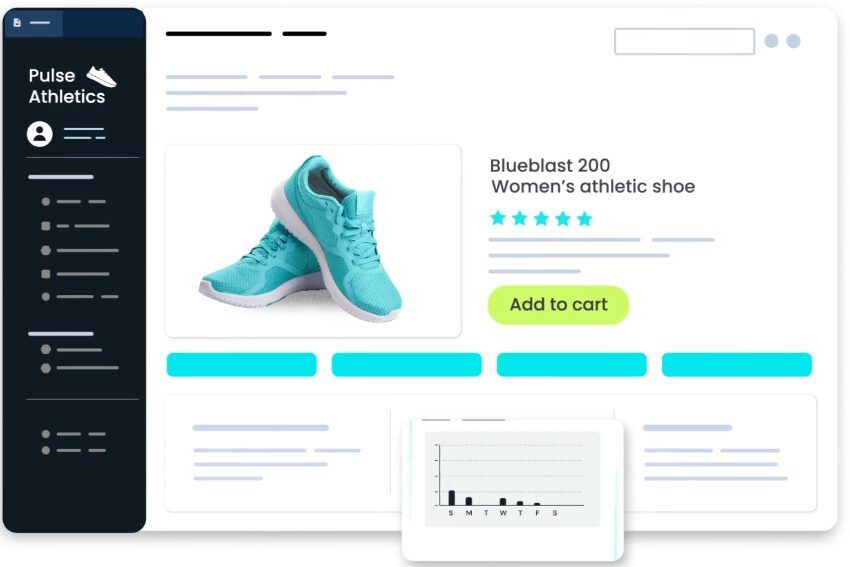
Sisense’s composable architecture lets you embed individual widgets, dashboards, and AI features wherever they fit inside your product. Its white-label controls are extensive enough to support a custom branding experience.
The tradeoff comes from its dashboard-first foundation. Sisense Intelligence adds natural-language querying and AI-generated summaries, but those capabilities sit on top of a platform originally built around predefined dashboards and reports. It can make open-ended exploration, multi-step reasoning, and deeper follow-up questions more constrained than on AI-native platforms. Implementation also requires extensive build as you move beyond standard embeds and tailor the experience more deeply to your product.
Core features
Composable embedding: Surface widgets, dashboards, or raw query results independently.
Sisense Intelligence: Natural-language queries and narrative insight summaries.
Elasticube: In-chip data modeling for performance on large datasets.
Multi-tenancy: Established tenant management for customer-facing deployments.
Pros
Purpose-built for embedding rather than retrofitted.
Strong white-labeling and theming control.
Handles high traffic volumes across many tenants.
Cons
AI capabilities layered onto a dashboard-era foundation.
Implementation timelines run longer.
Elasticube modeling adds a maintenance burden as data changes.
Power BI Embedded: Familiar tooling for Microsoft shops
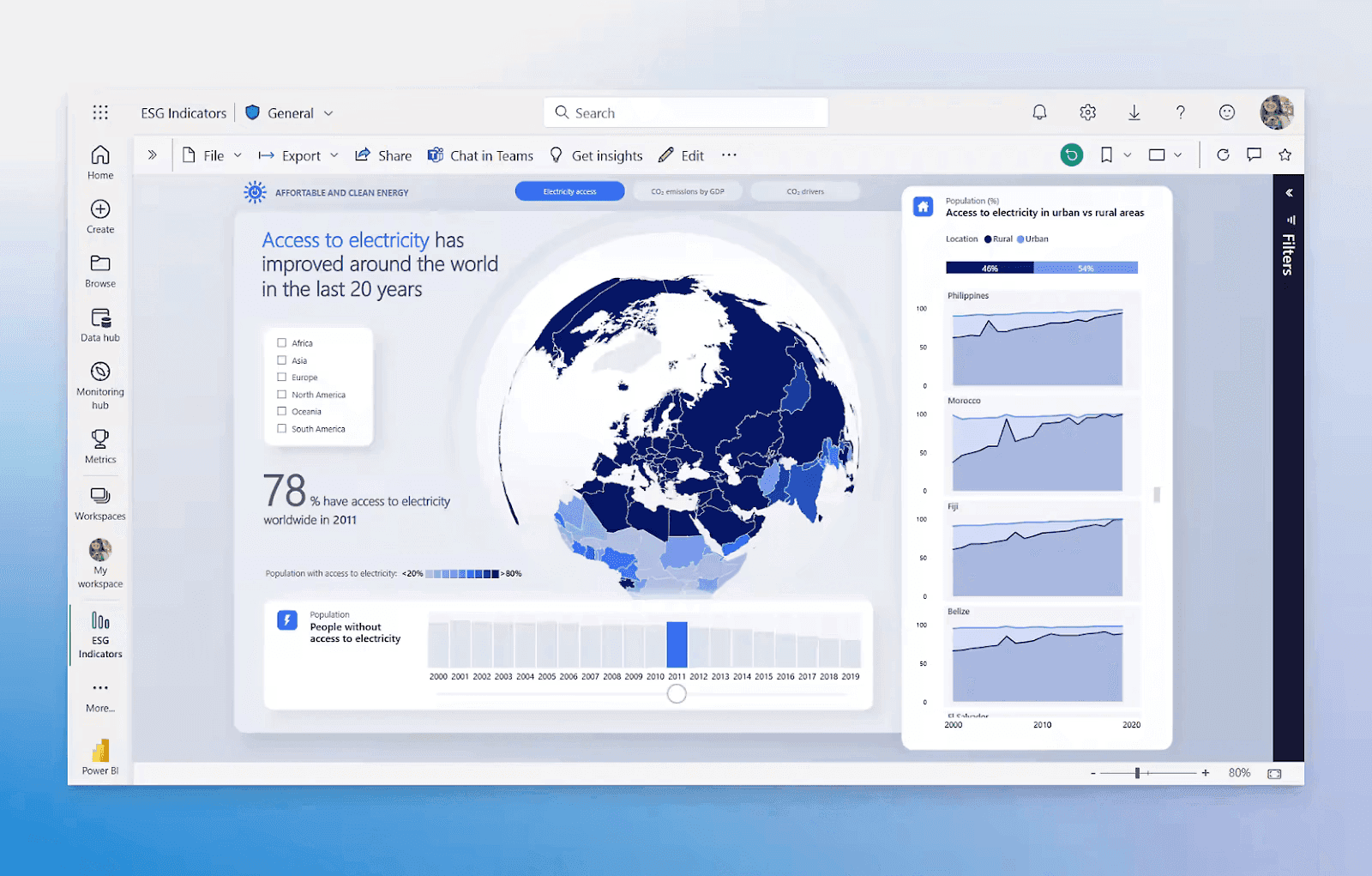
If your organization already runs on Microsoft, Power BI Embedded is the path of least resistance. You can reuse reports your team has already built, plug into the broader Microsoft stack, and avoid rebuilding your analytics layer from scratch.
The tradeoff shows up in the customer experience. Power BI was built first for internal BI, so embedded deployments can still feel like Power BI placed inside your product rather than a fully native experience. Its AI capabilities are also strongest when the data model is clean and well-defined; more complex joins, custom logic, and business-specific definitions can make Copilot less reliable.
Key features
Copilot: Natural-language queries and report generation.
Capacity-based embedding: Predictable scaling for high report volumes.
Power Query: Visual data preparation and transformation.
Microsoft-native: Integrates across Azure, Teams, and Excel.
Pros
Low barrier for teams already on the Microsoft stack.
Mature compliance and governance controls.
Reuses reports your team has already built.
Cons
Limited white-labeling compared to purpose-built embedded analytics platforms.
Copilot accuracy falls off on complex queries.
DAX gates real self-service for non-technical end users.
GoodData: Analytics-as-code with strict tenant isolation
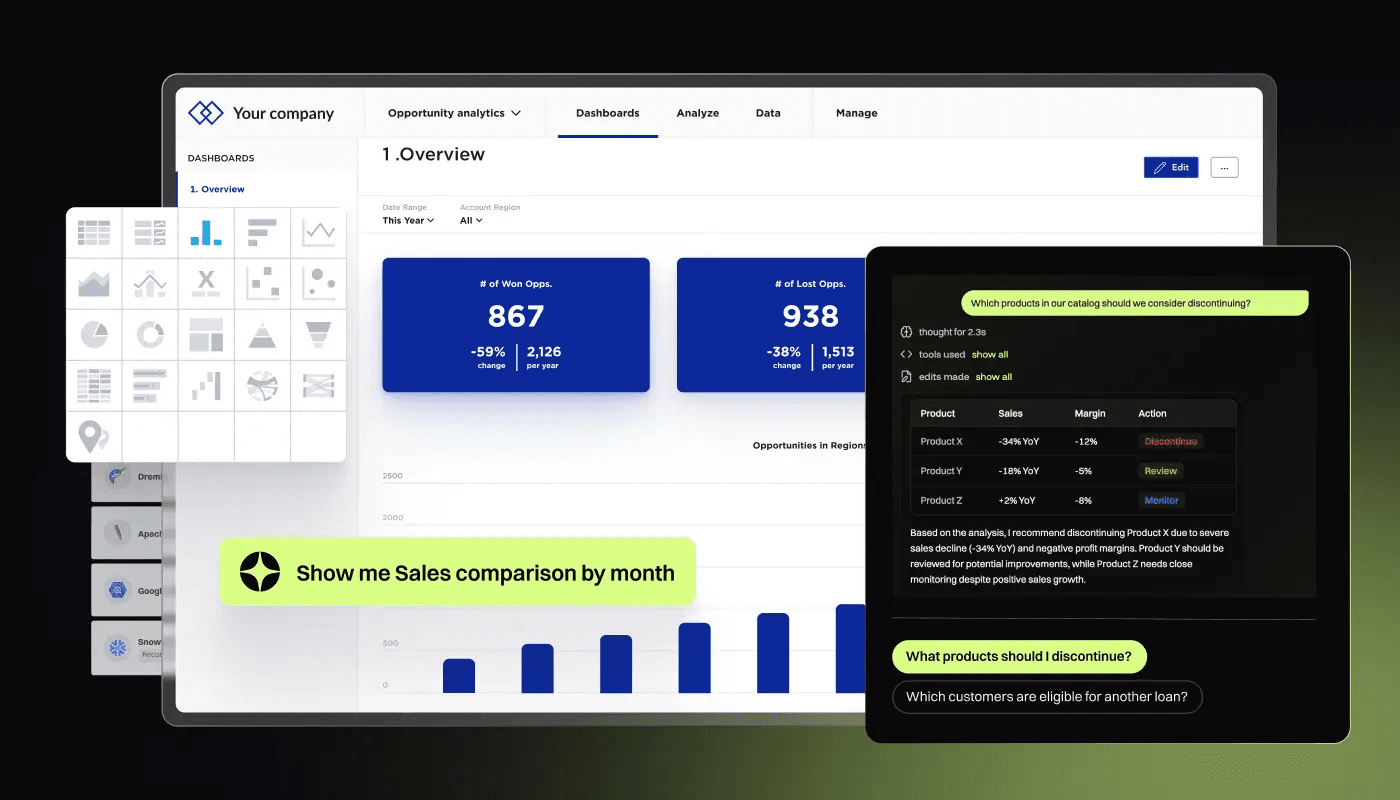
GoodData takes a developer-first approach to embedding. Metrics have to be defined in code, versioned in Git, and deployed through your existing CI/CD pipeline, which appeals to engineering teams who want AI analytics governed the same way the rest of the product is. Tenant isolation is also strong, where each customer workspace inherits from a parent model.
The requirement is engineering commitment. MAQL, GoodData's metric language, is another syntax for your team to learn and maintain, and the AI assistant is grounded in that semantic model. If nobody owns the model, the value erodes fast.
Key features
Analytics-as-code: Metrics defined in code, versioned and deployed through CI/CD.
Workspace hierarchy: Parent-child model for clean multi-tenant isolation.
AI assistant: Natural-language queries grounded in the semantic model.
Flexible embedding: iFrame, React SDK, and REST APIs.
Pros
Strong tenant isolation for customer-facing deployments.
Version-controlled metrics that fit existing engineering workflows.
Predictable behavior as the model is the single source of truth.
Cons
MAQL is another proprietary syntax to learn and maintain.
AI capability is bounded by the semantic model rather than reasoning across sources.
Requires sustained engineering ownership to hold its value
ThoughtSpot Embedded: Search-first embedded analytics
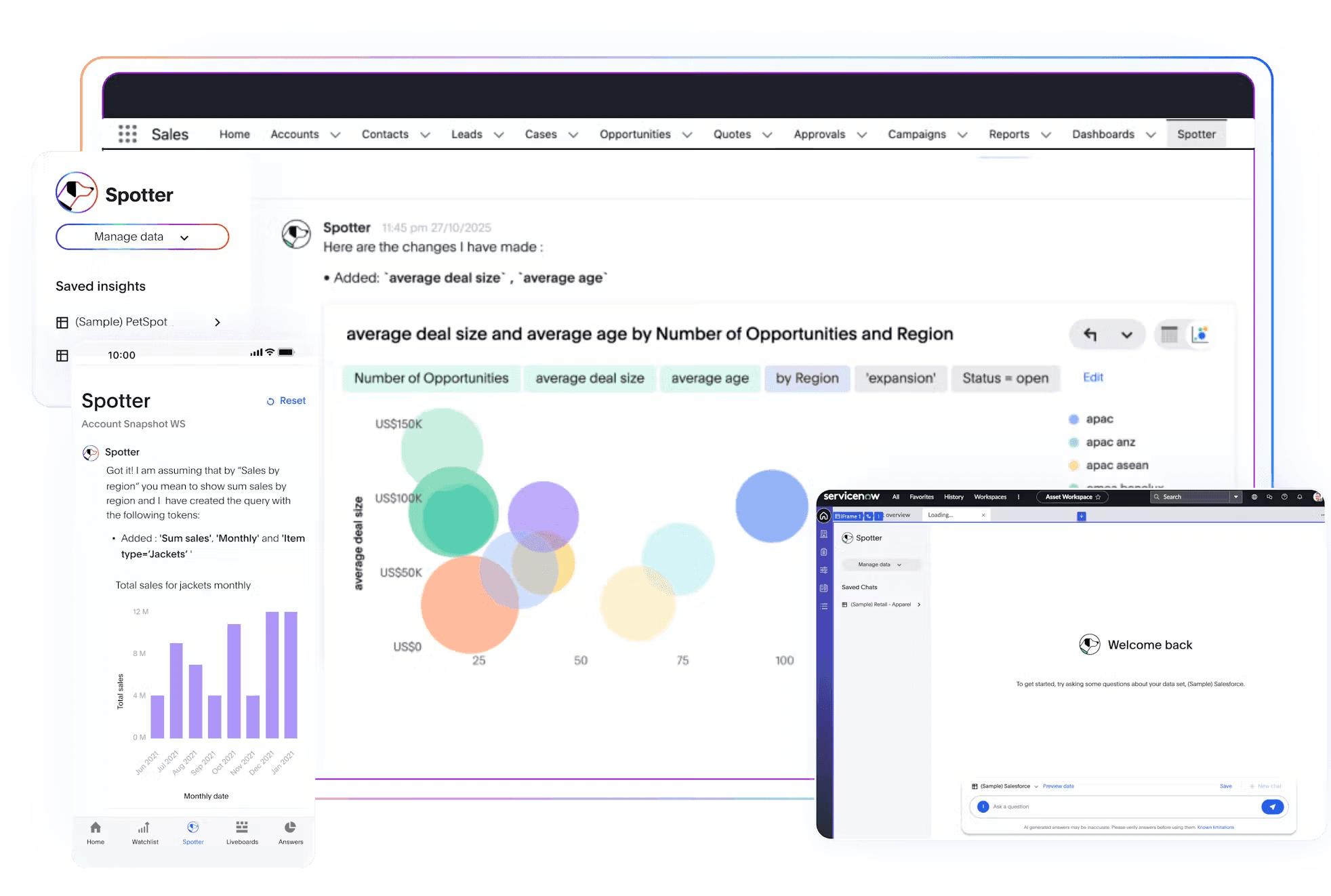
ThoughtSpot built its moat around search, which gives it a natural advantage as embedded analytics shifts toward conversational experiences. Spotter, its AI agent, lets users ask questions in natural language, while the embedding SDK gives product teams control over how those experiences appear inside the application.
The tradeoff is the modeling work underneath. The quality of the experience still depends heavily on how well the data is prepared, how clearly relationships are defined, and how consistently worksheets are maintained. As the data model grows more complex, that upkeep can become a significant burden for the teams supporting the embedded experience.
Key features
Spotter: Natural-language search and follow-up questions.
Liveboards: Interactive, embeddable result surfaces.
SDK and REST APIs: Component-level embedding control.
SpotIQ: Automated insight and anomaly detection.
Pros
Search-first interaction rather than a retrofitted chat box.
Good drill-down from a single search result.
Mature embedding SDK.
Cons
Requires ongoing worksheet modeling and maintenance.
Deployment and setup are heavier than most platforms on this list.
Pricing scales quickly when user count increases.
Sigma Embedded: Spreadsheet-native analysis on live data
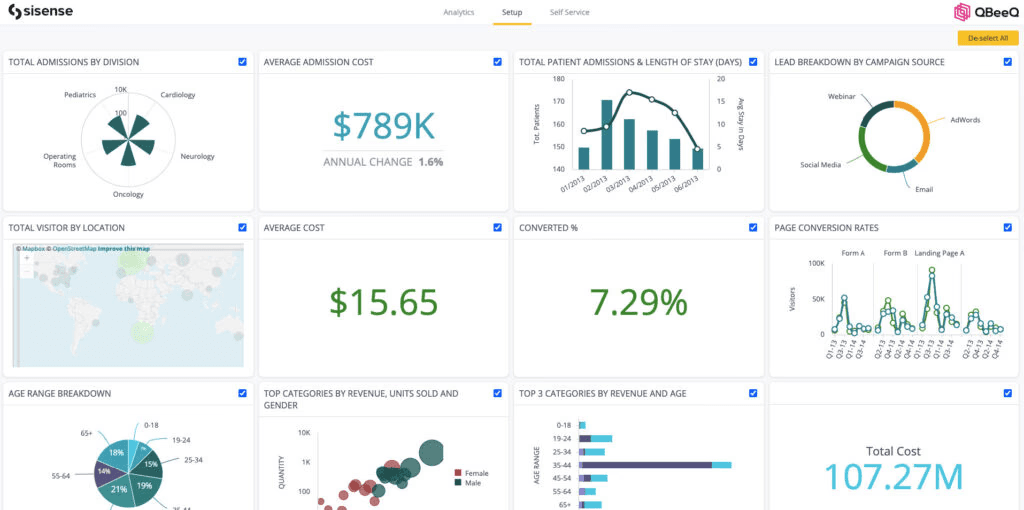
Sigma’s strength is that its interface feels like the spreadsheet that everyone’s familiar with. Teams can work with large datasets through a spreadsheet-like interface, which is a big reason why finance and operations users tend to pick it up quickly. If your customers mainly need to build models, run what-if scenarios, or reconcile data, Sigma is a strong fit.
The problem is cost and customization. Every AI feature runs against warehouse data, which means heavier usage can increase compute costs. Sigma embeds via iFrame, without a native JavaScript SDK or component-level customization, so the analytics experience can still feel like a separate interface sitting inside your product.
Key features
Spreadsheet UI: Familiar formulas and pivots running live against the warehouse data.
Write-back: Update source data from inside a report.
Row-level security: Tenant separation through user attributes.
Embedding API: JavaScript-based embedding with theming.
Pros
Immediate familiarity for spreadsheet-native users.
Everything runs against live warehouse data.
Strong for collaborative modeling and what-if analysis.
Cons
AI is layered on top of the dashboard, rather than native to the architecture.
Warehouse-locked, which limits multi-source deployments.
Less suited to business users who want to explore their data through natural language querying.
Qlik Embedded: Proven at enterprise scale, dated on AI
Qlik has a lot of enterprise mileage behind it. Its associative engine is strong for exploratory analysis, governance is well established, and its SDKs and APIs give developers plenty of control over how analytics appear inside a product.
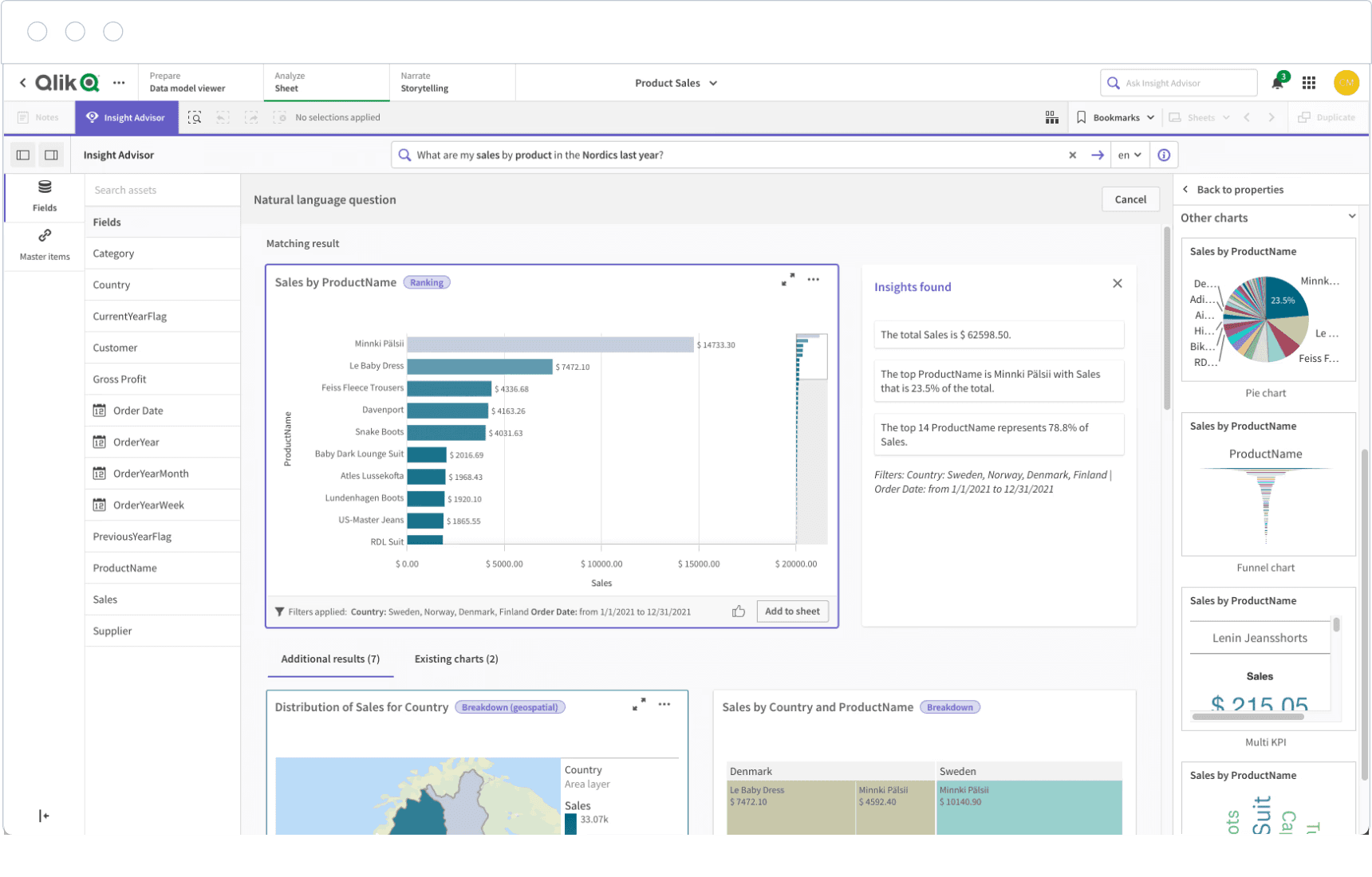
The gap shows up more clearly in the AI experience. Qlik has added natural-language analytics, Qlik Answers, and newer agentic capabilities, but the experience still feels clunky. Compared to AI-native tools, AI can feel more like an added layer than the core experience for exploring data, reasoning through questions, and taking action.
Key features
Associative engine: Exploration across data relationships without predefined paths.
Insight Advisor: NL queries and automated insights.
SDKs and APIs: Fine-grained embedding control.
Broad connectivity: Wide range of data source integrations.
Pros
Proven at enterprise scale with mature governance.
Flexible exploration model.
Extensive connector library.
Cons
Steep learning curve — the associative model is a departure from conventional BI.
Performance degrades on large or complex datasets.
Premium pricing, with add-on licenses for AI features that push costs past initial estimates.
Turning embedded analytics into a product advantage
Most embedded platforms have gotten very good at rendering dashboards. The bigger opportunity lies in helping customers understand what their data is telling them, and act on it before the moment passes.
WisdomAI brings autonomous agents into embedded analytics. Customers ask a question in plain language, across structured and unstructured data, and get an answer with the reasoning behind it. And when they need to dig deeper, agents run root cause, anomaly detection, and trend analysis on their own, grounded in their business logic.
Any competitor can add a chart. Very few can add intelligence that understands each customer's context and delivers findings where the work already happens.
Bring trusted embedded AI to your product. Book a demo today.
FEATURED RESOURCES

BI Tools Comparison: AI Capabilities and Features Comparison
Tools
BI Tools Comparison: AI Capabilities and Features Comparison
Looker vs Tableau in the Generative AI Era
Tools
Looker vs Tableau in the Generative AI Era
Tableau alternatives: Why visualization is no longer enough
Tools